Security Resources
Explore tutorials, FAQs, and step-by-step guides to help you understand, manage, and get the most out of your Intelli-Tec security systems.
Support Materials for DMP Users
DMP System Tutorials & How-To Videos
Browse our DMP video playlists to learn how to use, manage, and troubleshoot your security system. Each playlist covers a specific topic— arming and disarming, user codes, zones, notifications, and more. For additional support or personalized assistance, our team is always available to help.
Battery Replacements
DMP Thinline Keypad Tutorial
DMP 5" Keypad Tutorial
DMP 7" Keypad Tutorial
Security Insights
Security Insights, Tips & Best Practices

Why High-Profile Homeowners Need More Than an Alarm System
We live in a time where your location can be known before you even leave the driveway. For athletes, executives, public figures, and anyone whose

Protecting Your Home in 2025
In the past year, a troubling trend has emerged: professional athletes, celebrities, and other high-profile individuals are being targeted by sophisticated burglary rings. Recent break-ins
Support & Troubleshooting
Frequently Asked Questions
We’re building a full FAQ library to cover the most common questions about alarms, access control, video systems, monitoring, and day-to-day system operation. This section will help you quickly find answers and support without needing to make a service call.
Why does my alarm panel keep beeping?
Common culprits for alarm keypads beeping include low batteries, failed communication paths, zone troubles, or a recent alarm event that needs to be acknowledged or reset. Check your keypad display to see if any issues are displayed, and call your security or fire alarm provider for further support.
Why is my alarm system not arming?
Sometimes an open door or window can prevent an alarm system from arming. Some systems give you the option to bypass an open zone, but this should not be used as a regular or long-term solution. If you’ve checked your doors/windows and your system still won’t arm, call your security provider for further support— as the issue may be a faulty sensor.
How do I test my alarm system?
The first thing you should do is put your alarm system on test to prevent an accidental dispatch or false alarm! Call your security provider or central station directly to let them know you will be testing your system. Be sure to have your account number and verbal passcode ready. Your name will also have to be listed on the account. Once your account is on test, you can arm your system, and begin tripping the zones you would like to test such as doors, windows, motion detectors, or pull stations. Check for not only keypad and mobile app notifications, but also siren and strobe functionality. Once you have tested everything, go ahead and disarm or acknowledge/reset the system. Then, call your security provider back to verify that the correct signals were all transmitted. You can then have them take your account out of test. Please note, many security providers offer annual testing or routine and preventative maintenance plans, and will likely do this for you. Ask your provider to learn more!
What causes lagging or freezing on a video doorbell?
Most video doorbells rely on a strong WiFi signal to operate. Factors that can weaken the WiFi signal include range, interference (i.e. walls, objects), and network traffic. We strongly recommend hardwired PoE (power over ethernet) models for this reason. At the very least, be sure you are using a video doorbell that operates on both 5GHz and 2.4GHz, and utilize the former for a stronger connection. Ideally, you should also have an upload speed of at least 10 Mbps from your internet service provider.
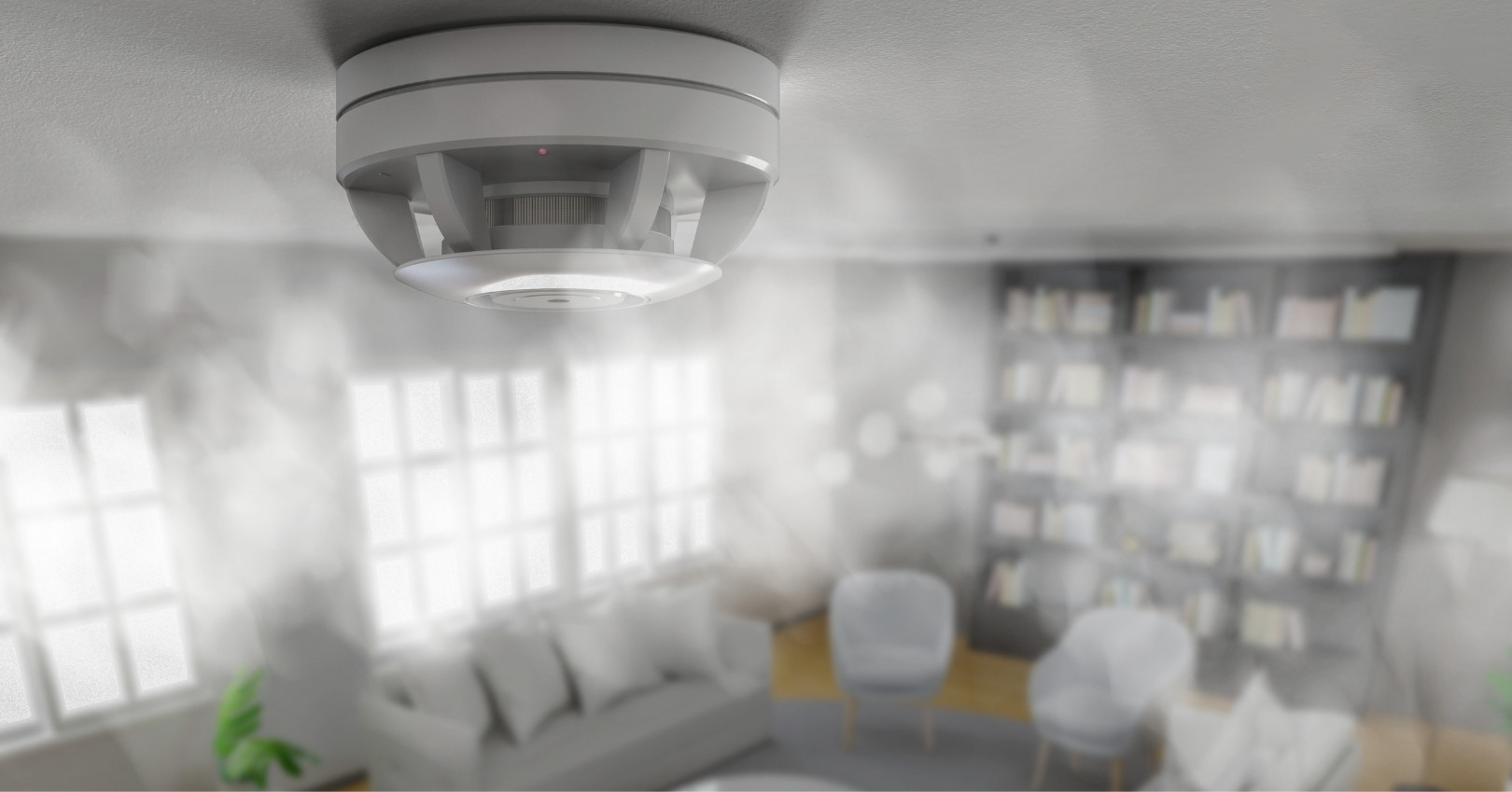
Why is my smoke detector chirping?
Before doing anything, check your alarm keypad or mobile app to see if the system is reporting a trouble condition. If it is, your security provider can confirm the exact cause, tell you which detector is affected, advise on the correct battery type, or schedule a service appointment if the device needs replacement or cleaning.
My smoke detectors went off— why didn't my alarm system?
Nearly every new home is built with smoke detectors, but these units are typically installed by electricians and are not monitored. They meet code requirements, but they only sound a local alarm— no one is notified if you’re asleep, away, or unable to respond. Many homeowners and landlords also buy basic wireless smoke detectors from big-box stores to stay compliant. These work in the same way: local-only alerts with no connection to a monitoring center, and no automatic dispatch if there’s an emergency. For true life-safety protection, monitored smoke detectors are the upgrade. They alert the central station immediately, trigger fire department response, and provide coverage even when the property is vacant. If you already have an alarm system, your security provider may be able to integrate monitored smoke detectors into your existing setup. In most cases, the panel can support additional life-safety devices with minimal wiring or by using wireless sensors. Your provider can confirm compatibility, recommend the right detector type, and program it so alarms automatically notify the monitoring center and dispatch the fire department.
What is the difference between arming stay vs. away?
Arm stay when you’re home but want your perimeter zones monitored, arm away when you want the interior zones monitored as well. Depending on your system and how it is programmed, certain sensor types will behave different depending how the system is armed. For example, motion detectors typically do not arm when a system is armed stay. For some people, this might not be ideal. Consult with your security provider to ensure the system and its sensors will behave how you need them to in various arming scenarios.
My camera works during the day but is useless at night. What's the fix?
Nighttime visibility issues usually come from IR reflection, poor lighting, dirty dome covers, bad angles, or low-quality sensors. There might also be water inside of the dome. If possible, physically inspect the camera to see if there are any visible causes.
Why does my camera show glare or whiteout at night?
IR reflection or bounce is caused by the infrared light being reflected back into the camera— often from walls, soffit, gutters, dust, or even bugs. Physically inspect your camera if possible. If you aren’t able to identify an obvious cause, give your security provider a call. It’s possible that your camera might also be due for an upgrade, and there are a number of camera options today offering advanced IR technology, “color at night” technology, or integrated floodlights.
Why is my camera footage blurry when I zoom in?
Digital zoom doesn’t add detail. If you need clearer identification, you need a higher-resolution camera, a better lens, or a closer placement. For advanced zoom capabilities, ask your security provider about cameras that feature optical zoom capabilities, in which the lens physically adjusts to change focal length.
What is a VESDA system?
A VESDA (Very Early Smoke Detection Apparatus) system continuously draws air through a network of pipes to detect smoke at a very early stage, providing much faster warning than traditional detectors. This technology is often used in mission-critical, high-risk, or high value environments such as data centers, historical buildings, or luxury homes. The system uses a laser-based detection chamber to analyze the air, and it can be configured for multiple alarm levels and connected to fire alarm control panels and building management systems.
What's better: hardwired or wireless?
Wired systems almost always offer better reliability and longevity. Wireless sytems are easier to install and expand. Most modern security systems use a hybrid of both. That being said, if it CAN be wired, it should be wired.
How do I know what type of security system my home or business actually needs?
The right security system isn’t something you pick off a shelf— it depends entirely on your property, your lifestyle, your daily routines, and your personal risk profile.
A proper assessment looks at:
• How you live or operate day-to-day
• Entry points, blind spots, neighborhood trends, and existing vulnerabilities
• Whether you need intrusion, fire, access control, video surveillance, or full integration
• Insurance requirements and compliance standards
• Who needs protection — families, employees, or in some cases high-profile individuals
• Any elevated risks tied to public visibility, wealth, travel patterns, or occupation
Two homes on the same street can require completely different solutions, and businesses vary even more. Some clients need standard coverage. Others, including celebrities, executives, and public figures, need enhanced privacy, monitored zones, hardened perimeters, or systems designed to limit internal access. The most accurate way to know what you need is a personalized security assessment. It aligns your actual risks with the right technology instead of over- or under-protecting your property.
Your Security is Our Promise
Ready to take the next step in securing what matters most? Request more information today and let us help you protect your home or business with both the latest in security technology and unmatched service.